Stripe payments
Accept payments directly and securely via Stripe.
Your benefits
- Automatic, secure payment processing right at booking
- Faster payouts and fewer failed payments
- Less manual effort tracking invoices and payments
How it works
- We enable the “Stripe payments” module for your company – just get in touch with us.
- You create your own Stripe account through Stripe Connect (account type “Express”). It takes a few minutes and is free.
- With Stripe you provide details about yourself or your business, your address and your bank account. Stripe reviews this data (identity and regulatory checks).
- Once Stripe has approved your account it shows as “connected” in My Playrooms, and you can enable Stripe as a payment method per playroom under “Payment & invoice”.
- Guests then pay for their booking directly online (credit/debit card and other methods offered by Stripe) on a secure, Stripe-hosted payment page.
- The money goes straight to your Stripe account. Stripe automatically pays it out to your bank account on your payout schedule.
Who gets the money, and when?
With Stripe payments, the amount runs directly through your own Stripe account – My Playrooms never holds the money. Your regular booking commission is automatically deducted at the time of payment instead of being invoiced separately.
- The guest pays the full booking amount at checkout. The payment is processed directly on your connected Stripe account (a so-called “direct charge”).
- Stripe deducts its transaction fee from every payment immediately (roughly on the order of 1.5% + €0.25 for European cards; Stripe’s current pricing applies).
- My Playrooms automatically deducts your regular booking commission from every payment (the same commission that applies to other payment methods, just collected automatically instead of invoiced separately). The module/subscription fee is still billed independently through your subscription.
- The amount first lands in your Stripe balance. Stripe transfers it to your bank account on your payout schedule – depending on your country the first payout is typically around 7–14 days after the first payment, then on a rolling basis (e.g. daily or weekly; configurable in the Stripe dashboard).
- Refunds, reversals and payment disputes (chargebacks) are handled through your Stripe dashboard; per Stripe, any related fees are borne by the account holder.
Frequently asked questions
What is Stripe Connect?
Stripe Connect is Stripe’s platform solution. My Playrooms is the platform, and you as the host get your own Stripe account linked to it. That lets you accept payments under your own name while My Playrooms handles the technical integration of the bookings and the payment page.
What does it cost me?
The Stripe account itself is free. Only Stripe’s transaction fees apply per payment. For the My Playrooms module you pay the agreed module/subscription fee.
How do I sign up?
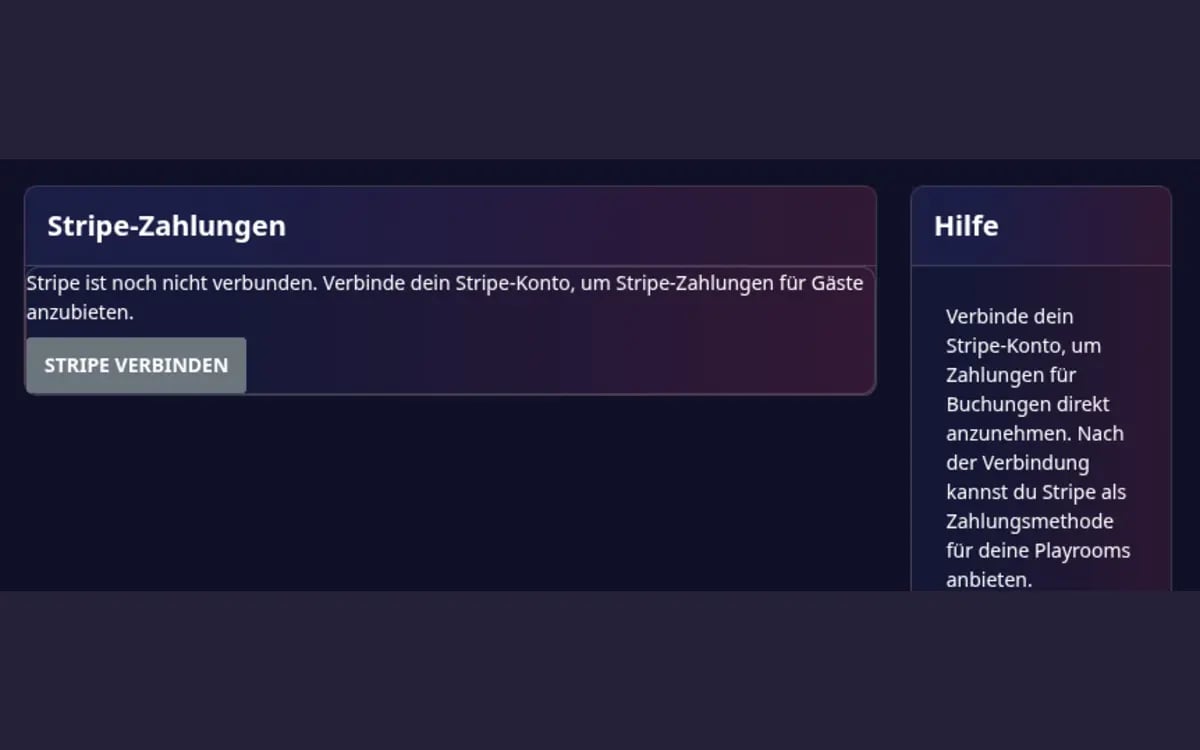
You start the sign-up right in My Playrooms via the “Connect Stripe” button on the module detail page. You are redirected to Stripe, complete the onboarding there (individual/business, address, bank account, ID document if required) and are then returned to My Playrooms automatically.
Do I need a registered business?
Not necessarily. Stripe supports both individuals and businesses. Which details and documents Stripe requires depends on your country and legal form.
What if Stripe doesn’t approve my account right away?
Then Stripe still needs more information or documents. The module stays on “connection incomplete” in My Playrooms until then. Use “Continue Stripe setup” to go back to Stripe and submit the outstanding items.
Can I still offer other payment methods?
Yes. Stripe is an additional payment method. You can still offer offline payment options such as bank transfer or cash per playroom.
Ready to get started?
Register as a host for free and unlock this module for your playrooms.